
In the Robotic Factory simulation I’m building, one of the components I’m setting up is a rotating clamp with a telescoping arm. I start off creating a simple 3D model of the clamp in Autodesk Maya and defining the object hierarchy so I can rotate the base and extend the arms and the dependent objects follow.
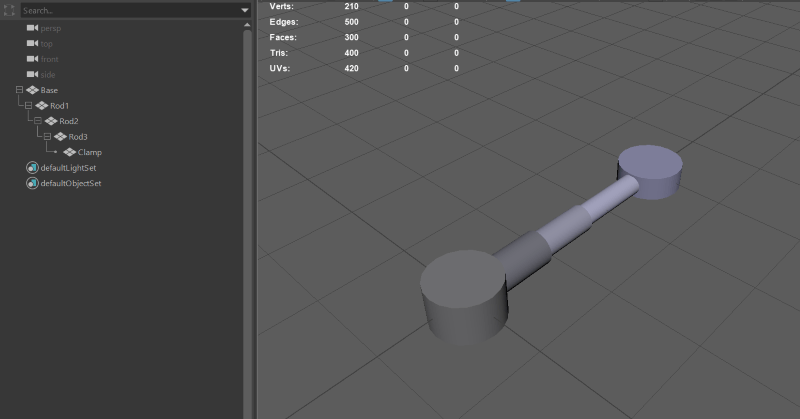
Maya and Unity is installed on my development workstation so I am able to save my Maya scene *.mb file directly into my Unity Project folder and the format is recognized by Unity and imported as a 3D asset.
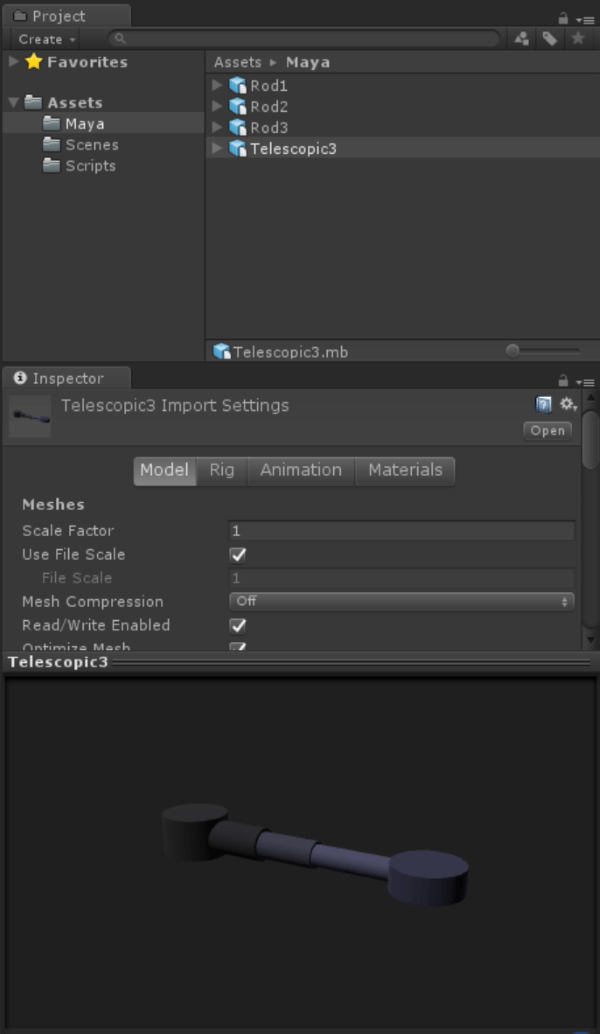
The setup also enables quick edits of the model in Maya and the changes are reflected in the Unity scene.
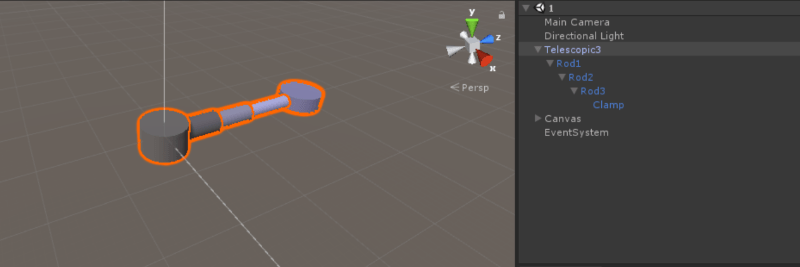
To test the model, I attach a script to the project and associate the transforms for telescoping arms and implement simple Lerp() to move the arm positions and base rotation to designated values.
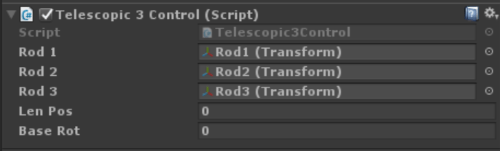
public class Telescopic3Control : MonoBehaviour
{
    public Transform Rod1;
    public Transform Rod2;
    public Transform Rod3;

    public uint LenPos;
    public uint BaseRot;

    private float[] rodPos1 = { -0.2f, 0.3f, 0.3f};
    private float[] rodPos2 = { 0.1f, 0.6f, 0.7f };
    private float[] rodPos3 = { -0.2f, -0.2f, 0.7f };

    public void TurnLeft()
    {
        BaseRot--;
        BaseRot %= 8;
    }
    public void TurnRight()
    {
        BaseRot++;
        BaseRot %= 8;
    }
    public void Retract()
    {
        if (LenPos == 0) return;
        LenPos--;

    }
    public void Extend()
    {
        if (LenPos == 2) return;
        LenPos++;
    }

    void Update()
    {
        if (Input.GetKeyDown(KeyCode.DownArrow))
        {
            Retract();
        }
        if (Input.GetKeyDown(KeyCode.UpArrow))
        {
            Extend();
        }

        if (Input.GetKeyDown(KeyCode.LeftArrow))
        {
            TurnLeft();
        }
        if (Input.GetKeyDown(KeyCode.RightArrow))
        {
            TurnRight();
        }

        Rod1.localPosition = Vector3.forward *
                             Mathf.Lerp(Rod1.localPosition.z, rodPos1[LenPos], 0.1f);
        Rod2.localPosition = Vector3.forward *
                             Mathf.Lerp(Rod2.localPosition.z, rodPos2[LenPos], 0.1f);
        Rod3.localPosition = Vector3.forward *
                             Mathf.Lerp(Rod3.localPosition.z, rodPos3[LenPos], 0.1f);
        transform.localRotation = Quaternion.Lerp(transform.localRotation,
            Quaternion.Euler(0f, BaseRot * 45f, 0f), 0.1f);
    }
}
A WebGL demo is available at:
http://orbitalfoundry.com/WebGL/Factory1/index.html

I’ll be putting together more components and simple machines for the factory simulation with simple command scripting to create something interesting.
For questions, comments or contact – follow/message me on Twitter @rlozada
 Building Blocks
You must be logged in to post a comment.